Writing
Async Task with Progress Reporting and Cancellation
While building a WinForms application, I needed to run a calculation that could take a long time. I wanted the main form to stay responsive while a separate dialog showed progress and gave the user a cancel button.
Progress reporting and cancellation are common questions, but many examples show only isolated snippets. This sample puts the pieces together in one small application, using IProgress<T> for progress updates and CancellationToken for cancellation.
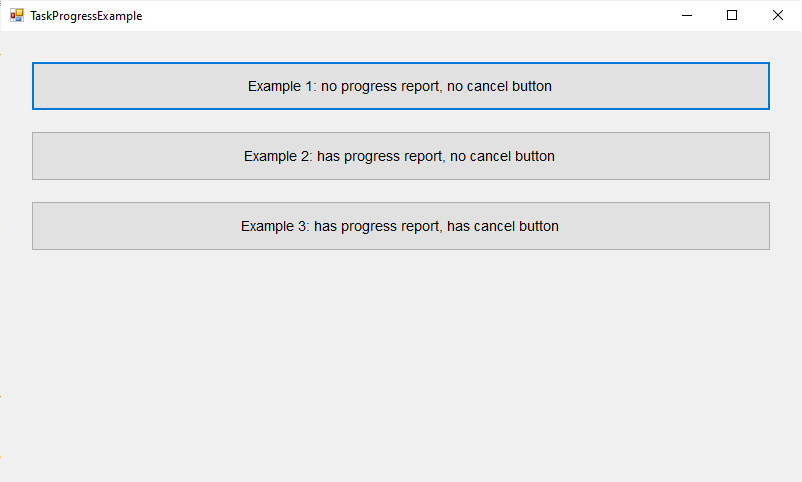
The sample WinForms application has a main form with three buttons that start Fibonacci calculations with different options. When a button is clicked, the calculation runs asynchronously and a dialog opens to show progress, allow cancellation, or both.
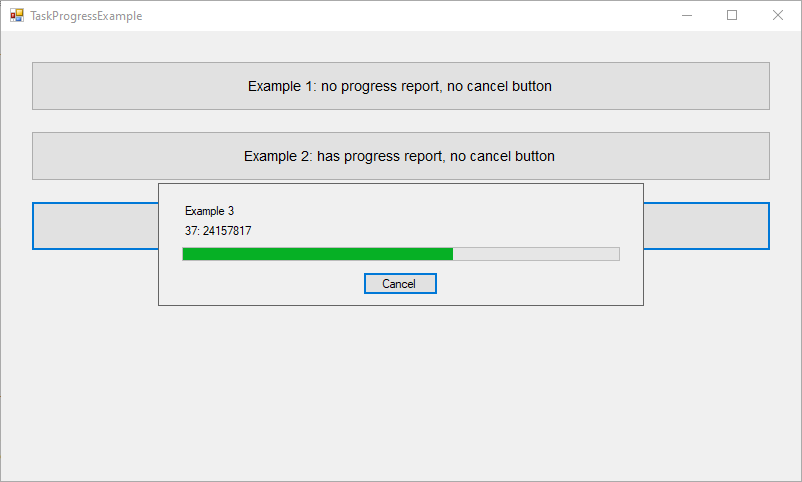
When the third button is clicked, the dialog shows both progress reporting and the cancellation button. The screenshot below shows that state.
The complete source code is available on GitHub.